

300 dpi or 600 dpi: Choosing Printer Resolution
What actually separates 300 dpi from 600 dpi, when each is enough, and how dot pitch, minimum type size and bar width settle the choice.
Resolution is the spec most often glossed over when a barcode printer gets specified. Sales says 300 dpi is enough, engineering says 600 dpi is safer, and both are right depending on what goes on the label.
Turn the numbers into something you can see
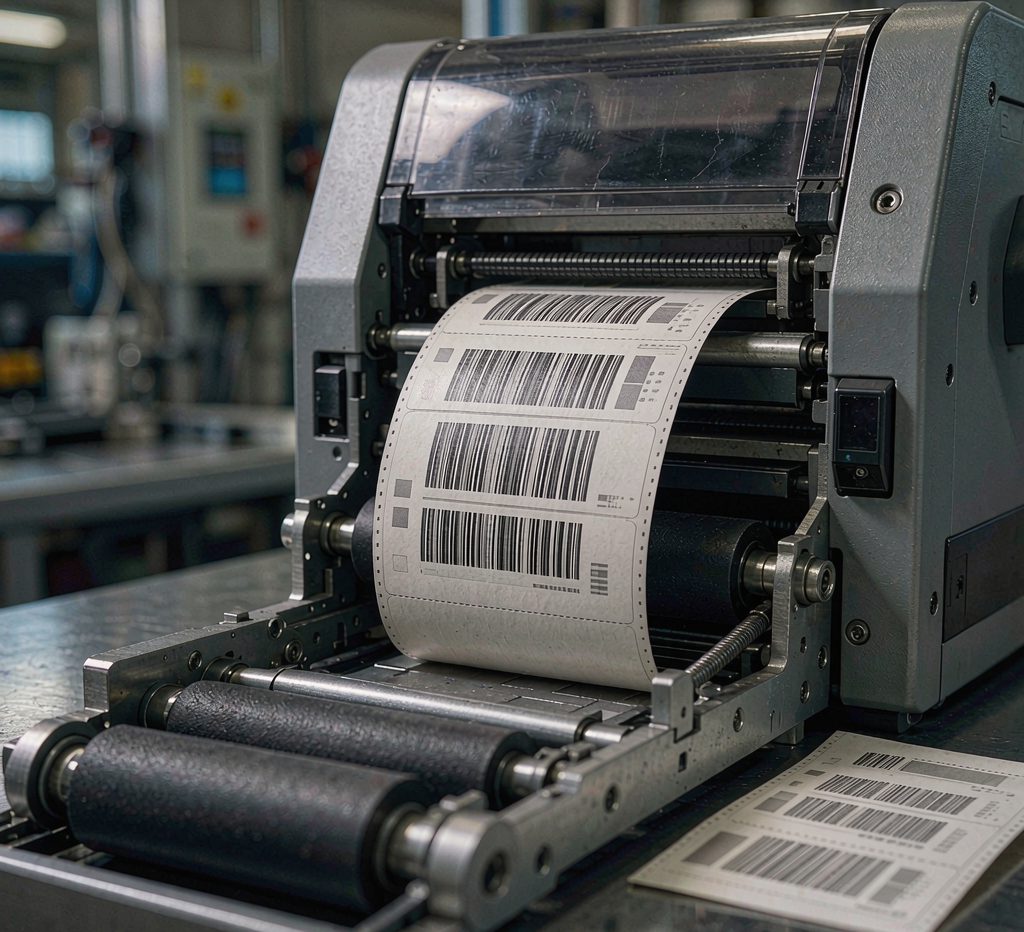
203 dpi is about 8 dots per millimetre, 300 dpi is 11.8 and 600 dpi is 23.6. Dot pitch sets two things: the thinnest line the print engine can form, and the smallest type it can hold. At 300 dpi the pitch is roughly 0.085 mm, and a line that prints reliably is usually about twice that, so somewhere above 0.15 mm.
Start from the smallest type and the bar width
If the smallest character on the label stands 2 mm or taller and the narrow bar is 0.3 mm or wider, 300 dpi covers it, and 203 dpi handles a good share of carton work as well.
Below 1.5 mm type, or a narrow bar down to 0.25 mm, 300 dpi starts to struggle. Edges soften, the bar-to-space ratio drifts, and a handheld scanner may still read it while a verifier will not. Small-format work such as UDI labels, electronic components and reagent vials is where 600 dpi earns its price.
2D codes are stricter than linear barcodes. Once modules drop under 0.3 mm, a 300 dpi print shows a clear drop in read performance on phones and fixed-mount readers, and rougher stock makes it worse.
What the extra resolution costs
- Speed: a 600 dpi unit typically runs at 50 to 70 percent of the 300 dpi speed of the same model, since the mechanism covers the same distance with far more dots to place.
- Money: 600 dpi machines cost 20 to 50 percent more, and printheads are consumables, so replacement cost follows.
- Ribbon: high resolution is less tolerant of ribbon surface quality. Too thick a base film produces hollow dots and ragged edges.
Test instead of arguing about specs
The reliable method is to take the actual label stock and ribbon, print a run at each resolution, grade it to ISO/IEC 15416, then scan it with the reader used on the line. A grade of A or B plus a clean first-pass scan settles the question.
Higher resolution is not automatically better. Running 600 dpi on large carton text costs speed and consumables and buys nothing. Running 203 dpi on a 5 mm QR code cannot be tuned into working. Resolution is a threshold to clear, not a score to maximise.